
Program Presentation
Funiber offers its students the possibility to conveniently learn Spanish online with totally flexible schedule, study rate and setting.In these courses, the student:
- Learns to appropriately use Spanish in different situations.
- Studies all aspects of the Spanish language: grammar, vocabulary, phonetics, spelling, etc.
- Is aware of the sociocultural aspects of Spanish-speaking countries and learns about its important heritage and diversity.
What do we offer?
- Several levels of Spanish, according to the CEFR: A1-A2, B1-B2, and C1.
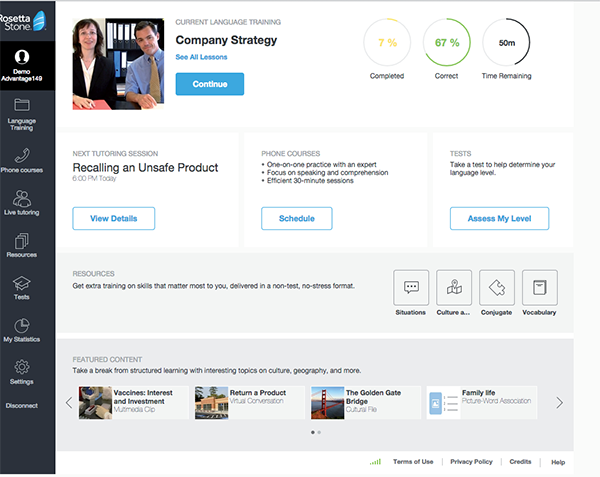
- An online campus with the Internet communication tools and a monitoring system: individualized and comprehensive reports about the student’s progress.
- Multimedia learning resources: with interactive audio activities, integrated skills (video, recordings), online follow-ups, etc. Also, and depending on the method, there are pronunciation-practice activities with cutting-edge technology for voice recognition.
- Supplementary material to learn about specific language areas: grammar, vocabulary, phonetics, spelling, etc.
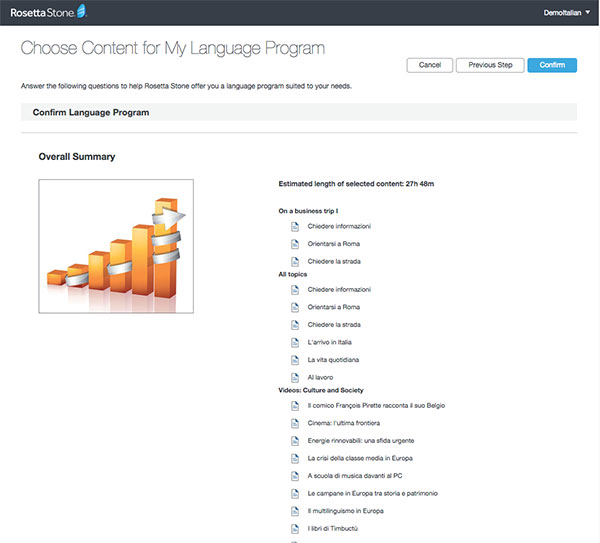
- Sociocultural contents that offer a real portrait of the diverse culture and society from Spanish-speaking countries.
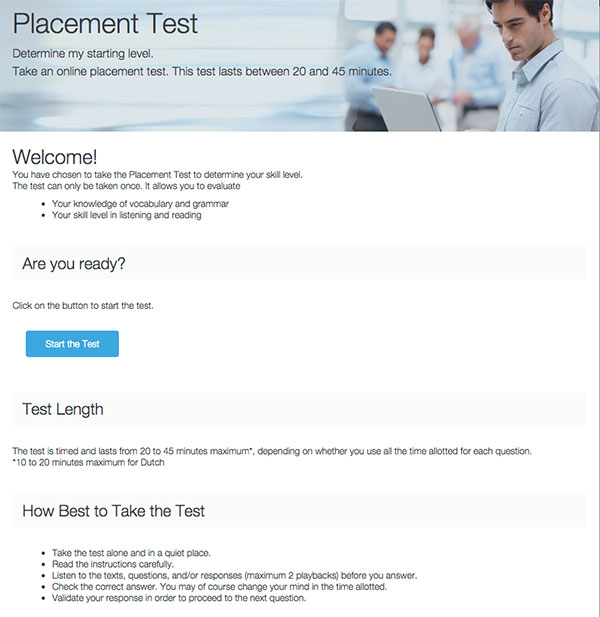
- Access to the level test to assess the initial level, to the progression test to certify the level achieved by the student, and to competence tests to assess the student’s improvement in the language.
Technical Requirements
- CPU Processor with 700 MHz or higher
- Memory 192 MB of RAM (512 MB for Vista).
- Microsoft Windows® NT4/2000/XP/Vista 32/64 bits (95/98 or Millennium).
- Hard drive 30 MB of free space
- Sound hardware 16 bits Windows compatible sound card
- Graphics hardware 1.024x768 y 16 million color (800x600 y 65.536 colors) video card.
- Software Internet Explorer 7 or higher [1]
- Software Flash Player 8.0 (Flash Player 6.0.65.0). Administrator privileges are required to be able to install the player.
- Speakers or headsets with microphone included.
- Internet or intranet connection at 128Kb/s
- Email address in case students need to receive information on how to connect to the internet as well as automatic system notifications.
- Active Javascript.
Additional configuration to use voice recognition software:
- Microphone
- Installation of Auralog components (administration privileges required to install and use ActiveX).
[1] If you do not have Internet Explorer and you most use another, first contact the technical service at soporte.tmm@funiber.org so as to be sure that you have one compatible with the course platform (indicate the browser’s name and version). FUNIBER is not responsible for the technical problems that may arise from the use of other browsers that have not been previously notified.
Certificates
Students who will successfully complete any of the courses, will receive a certificate issued by UNIB (International Ibero-American University).
Structure
The following courses are offered for the independent-learning modality:
| COURSES | WORK HOURS | |
|---|---|---|
| Elementary Level | A.1 | 60 hours |
| A.2 | 60 hours | |
| Intermediate Level | B.1 | 120 hours |
| B.2 | 120 hours | |
| Advanced Level | C.1 | 120 hours |
The work hours are approximate and they are for guidance only
The contents for each level are as it follows:
Elementary Level
- A1
To understand and use the language at an elementary level to meet the basic immediate needs. Introduce themselves and others, ask for and give basic personal information about their address, belongings and people they know. To interact with others in an elementary way, as long as their interlocutor speaks slowly and in a clear way, and is willing to cooperate. - A2
To understand and use the language at an elementary level in quite familiar areas of experience (basic information about themselves and their family, shopping, places of interest, occupations, etc.). To communicate with others in simple and everyday tasks that only require simple and direct information exchanges about areas that are known or common to them. Describe in a simple way, parts of their past and environment, as well as areas related to their immediate needs.
Intermediate Level
- B1
To understand the main topics of clear texts written in standard language, dealing with known issues, either about work, study, or leisure. To perform well in most situations that may arise during a trip around areas where the language is used. To produce easy and coherent texts about familiar or interesting topics to them. - B2
To understand the main ideas in difficult texts that deal with both concrete and abstract topics, even when if they are technical, as long as they are within their field of expertise. To interact with native speakers relatively fluently and naturally, so communication is carried out without any interlocutors’ effort. To write clear and detailed texts about diverse topics, as well as to support a particular point of view on general topics, giving pros and cons for the different options.
Advanced Level
- C1
To understand a wide variety of extensive and demanding texts, as well as recognizing any implicit sense in them. To express themselves fluently and spontaneously, without clearly showing an effort to find the right expression. To make a flexible and effective use of the language for social, academic and professional aims. To write clear, well-structured and detailed texts about topics with certain degree of difficulty, showing a correct use of text organizational, articulation and cohesion tools. - Academic Spanish and wirting course
Students will familiarize themselves with the tradition in writing academic texts in the Spanish language, and they will improve and polish up their style. The aim is for students to be able to take classes in Spanish at a university level, without any linguistic problem.
FUNIBER Training Scholarships
The Ibero-american University Foundation (FUNIBER) periodically delivers an economic baseline with extraordinary character for scholarships in FUNIBER Training.
To apply for it, you only need to send your application for a scholarship on the website’s main page with the required data, and the evaluation committee will examine the suitability of your candidature to be granted economic aid, in the form of a scholarship in FUNIBER Training.